Send the request type, manufacturer, equipment model/year, part reference, ratings, quantity, destination, required date, and any drawing or photo notes. The SUVELL team will review the request.
Email: admin@suvell.com
Phone: +86 189 6871 1705
Factory: No.208 Wei 12 Rd, Yueqing Economic Development Zone, Wenzhou, Zhejiang, China
SF6 Density Monitor Replacement: Alarm Contact and Connection Checklist
An SF6 density monitor replacement must preserve the installed contact and signal arrangement. This checklist explains which label details, switchpoint records, wiring references, and digital-interface information belong in the RFQ so suppliers can assess compatibility without changing the project's alarm logic.
Record the density monitor’s full type code, gas calibration information, installed switchpoints, and connection details from its label and project records.
Match contact count, contact type, terminal assignments, and existing alarm or lockout functions against the approved wiring drawing.
Document digital outputs such as RS485/Modbus separately from switch contacts where fitted; matching the housing does not establish signal compatibility.
For an **SF6 density monitor replacement**, the enclosure shape is not enough to confirm interchangeability. The replacement input package should document the installed monitor’s contact arrangement, signal output, wiring interface, type-code data, and project-approved connection records.
This checklist is for **SF6 Monitoring** procurement and replacement decision support. It helps buyers prepare a clear RFQ for a matching density monitor without prescribing gas handling work or changing project alarm settings.
Confirm the Installed Monitor Identification
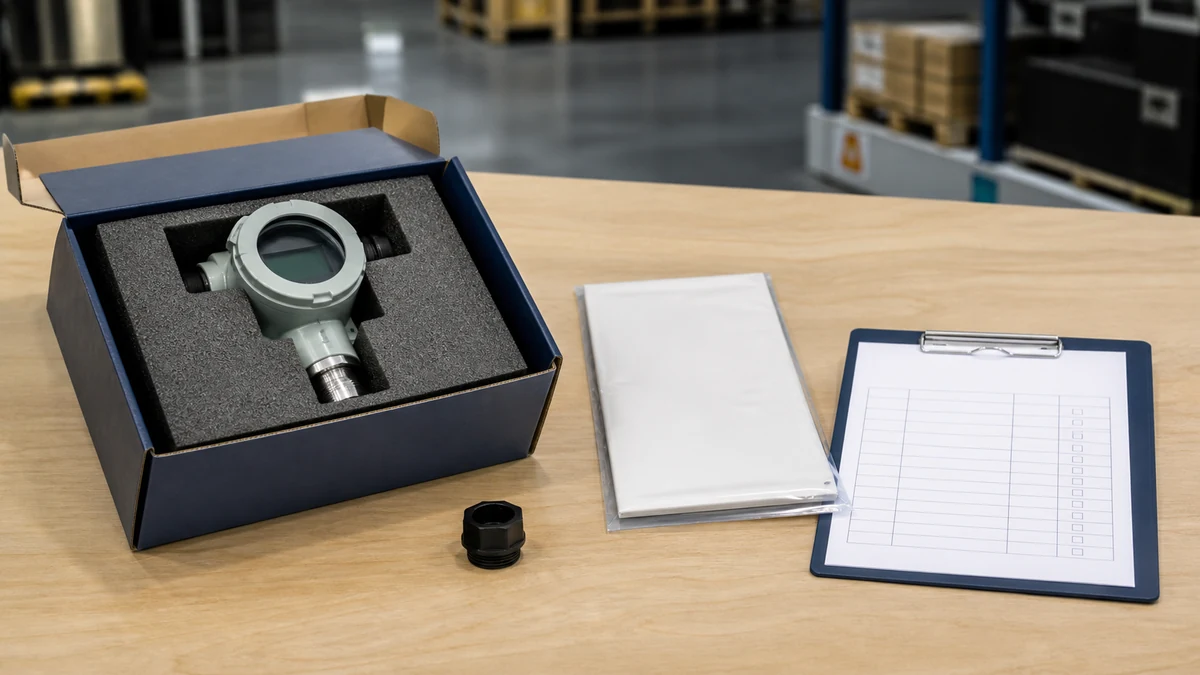
Before requesting a replacement, collect a readable photo or scan of the installed type label. The label may identify the data needed to match the unit correctly, including:
Type code
Serial number
Gas calibration information
Switchpoint settings as installed
Connection information
Signal range, where applicable
For RFQ purposes, record the information as shown on the installed label. Do not rely only on the visual appearance of the housing, dial, plug, or mounting position.
Capture the Existing Output and Contact Arrangement
Some SF6 gas density monitors are described with **floating change-over contact outputs**, temperature compensation, and multiple galvanically separated circuits. In replacement selection, the required detail is the installed output/contact arrangement—not simply the product family or enclosure style.
Use this contact checklist:
Number of installed switch contacts
Contact type, such as floating change-over contact where specified
Contact numbering or terminal assignment from the approved drawing
Whether contact circuits are galvanically separated, where documented
Existing alarm, lockout, or trip function labels from the project wiring record
Any auxiliary output signal stated on the installed record or label
Record the existing arrangement exactly. The replacement request should not introduce new alarm logic or revised switchpoint intent unless that change is separately approved by the project owner.
Document Digital Interfaces Separately from Contact Outputs
A hybrid SF6 density monitor may combine conventional floating change-over contacts with a digital interface such as **RS485/Modbus**. Because of this, contact outputs and digital connection interfaces must be documented independently.
Do not infer the communication interface from a product-family name. Instead, collect:
Whether the installed unit has contact outputs only
Whether it has a digital connection interface
The interface type shown in the installed documentation, such as RS485/Modbus if specified
Cable connection or plug information from the project-approved wiring document
Any signal range or output signal stated on the label or installed record
This avoids ordering a replacement that matches the housing but omits a required signal or includes the wrong connection arrangement.
Verify the Type Code and Specified Signal Arrangement
Datasheet-based selection depends on the type code and the specified signal/contact configuration. For models that use a reference-gas measuring principle and configurable switchpoint count, the RFQ should include the installed type-code record and the actual signal/contact arrangement.
Include the following in the procurement package:
Full type code from the installed label or original order record
Output signal information from the installed record
Configured switchpoint count, as documented
Connection type and wiring reference
Gas calibration information from the label
Any serial number or project tag number used by the site
If the type code is incomplete or the label is damaged, provide photographs of the monitor, terminal area, connector, panel tag, and wiring drawing so the replacement can be checked against the installed records.
Check the Project-Approved Wiring Documentation
The wiring document is often the safest way to confirm how the monitor is actually connected in the switchgear control scheme. Request and attach the project-approved document rather than working from memory or cabinet appearance.
Checklist for wiring documentation:
Drawing number and revision
Terminal block references
Monitor terminal or connector pin references
Contact circuit identification
Alarm, interlock, or trip labels as already assigned
Digital communication connection, if present
Cable core numbers or plug coding, where documented
Cross-reference to the switchgear bay, panel, or feeder tag
The purpose is to match the installed connection requirement. This checklist does not recommend changing alarm contacts, trip allocation, or switchpoint values.
Standards Checklist
Use the standards checklist below to record whether the replacement input package has enough documented evidence for review.
Checklist item
Status
Evidence reference
Installed monitor identification captured
To be confirmed
Type label photo, serial number record, original order record
Type code recorded exactly as installed
To be confirmed
Installed label, datasheet reference, procurement record
Gas calibration information recorded
To be confirmed
Installed label, manufacturer documentation, maintenance record
Output signal information documented
To be confirmed
Installed label, wiring drawing, original order record
Contact arrangement confirmed
To be confirmed
Approved wiring diagram, terminal schedule, contact numbering record
Switchpoint count documented
To be confirmed
Installed label, datasheet/order record, project setting record
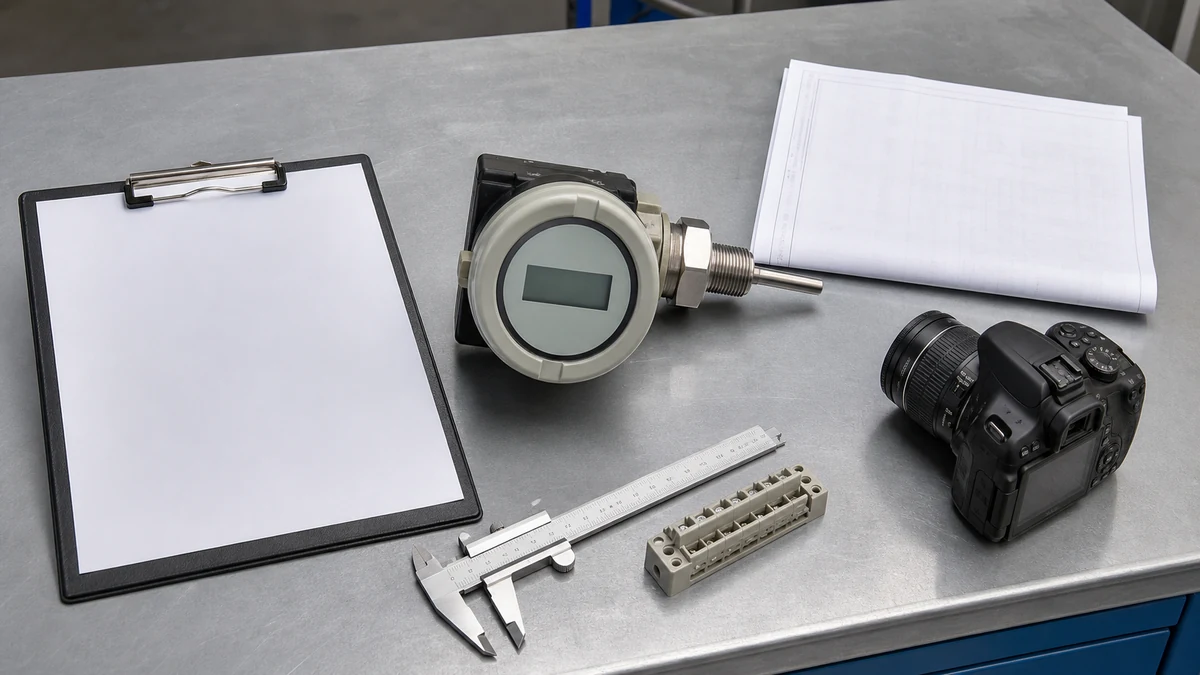
A complete **SF6 density monitor replacement** RFQ should let the supplier compare the required replacement against the installed monitoring configuration. Include clear files and avoid edited screenshots where possible.
Recommended RFQ attachments:
Readable installed type label photo
Front-view photo of the monitor
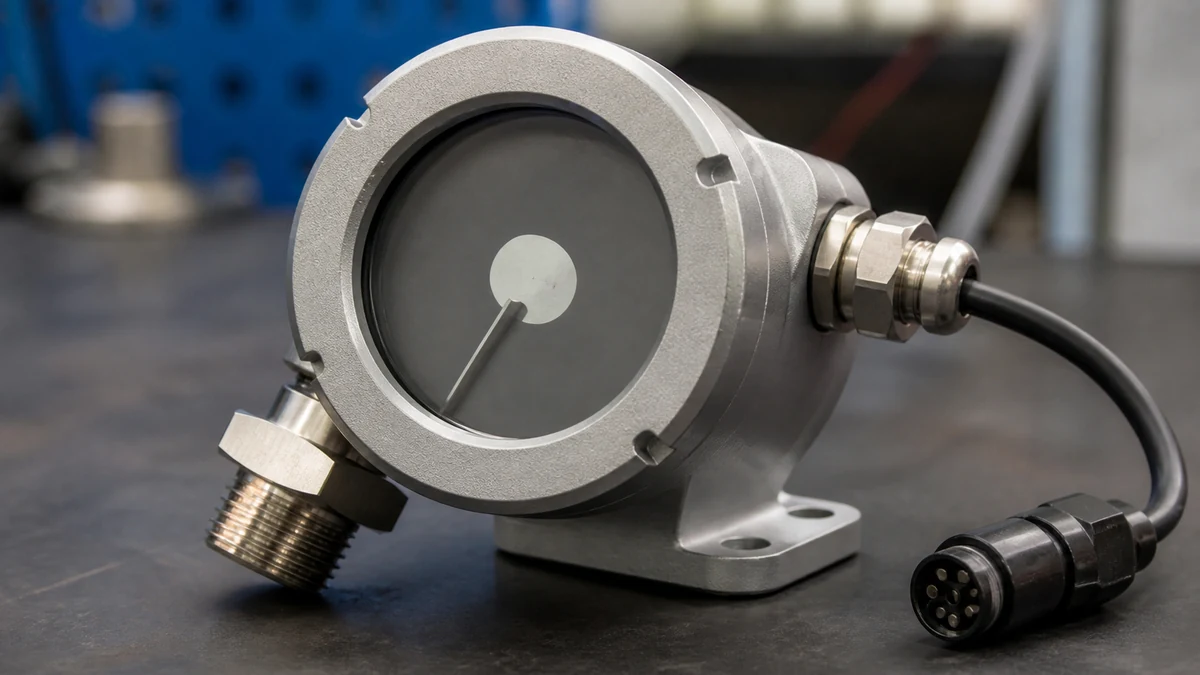
Side or rear photo showing connector or terminal arrangement
Project-approved wiring diagram
Original order record or datasheet reference, if available
Existing type code and serial number
Required quantity
Switchgear panel or bay reference
Site preference for replacement equivalence, if already specified by the project
State that the request is for replacement matching of the installed SF6 monitoring function. If the site requires a like-for-like contact and signal arrangement, say so clearly.
Avoid These Replacement Input Gaps
Common RFQ gaps can delay technical confirmation:
Sending only a front photo of the monitor
Assuming all units in the same family have the same contact output
Omitting the installed type code
Omitting the wiring drawing
Failing to distinguish contact outputs from RS485/Modbus or other signal interfaces
Providing alarm names without terminal references
Providing terminal references without the corresponding drawing revision
Asking for a housing match without confirming switchpoint count and output arrangement
The replacement decision should be based on installed records, not assumptions from appearance.
Final Pre-Order Checklist
Before placing the order, confirm that the RFQ includes:
Installed type code
Serial number, if readable
Gas calibration information from the label
Output signal information
Contact arrangement
Switchpoint count as documented
Connection or terminal information
Project-approved wiring drawing
Digital interface details, if applicable
Photos of the installed label and connection area
Quantity and switchgear location
Any customer requirement for like-for-like replacement
This helps ensure the supplied SF6 monitoring component is reviewed against the real installed interface.
FAQ
What is the most important information for an SF6 density monitor replacement?
The most important information is the installed identification and connection data: type code, label details, output signal, contact arrangement, switchpoint count, and project-approved wiring documentation. These items are more reliable than enclosure appearance alone.
What is a floating change-over contact in this replacement context?
In this context, a floating change-over contact is a contact output arrangement that may be specified for the installed density monitor. For replacement procurement, the buyer should record whether the installed unit uses this contact type and how it is wired according to the approved documentation.
What is the risk of ordering by product family name only?
The risk is that units within a product family may have different contact counts, signal outputs, connection arrangements, or digital interfaces. A hybrid monitor, for example, may combine contact outputs with RS485/Modbus communication, so the RFQ must document both independently.
What is needed if the installed type label is unreadable?
If the label is unreadable, provide the best available supporting records: original order information, wiring drawings, panel tag references, front and rear photos, connector photos, and any maintenance records that show the type code, output signal, switchpoint count, or connection information.
What is outside this checklist?
This checklist does not cover SF6 gas handling procedures, filling, recovery, leak testing, commissioning steps, or changes to alarm and trip settings. It is limited to replacement input collection for the SF6 density monitor and its documented contact and connection arrangement.
LEO Chen
With more than 20 years of industry experience, LEO Chen has worked with major companies on switchgear, transformer components and medium-voltage equipment projects. He contributes practical guidance for engineers and sourcing teams, with a focus on clear selection criteria, application context and the information needed to prepare an informed RFQ. Connect with LEO on LinkedIn.