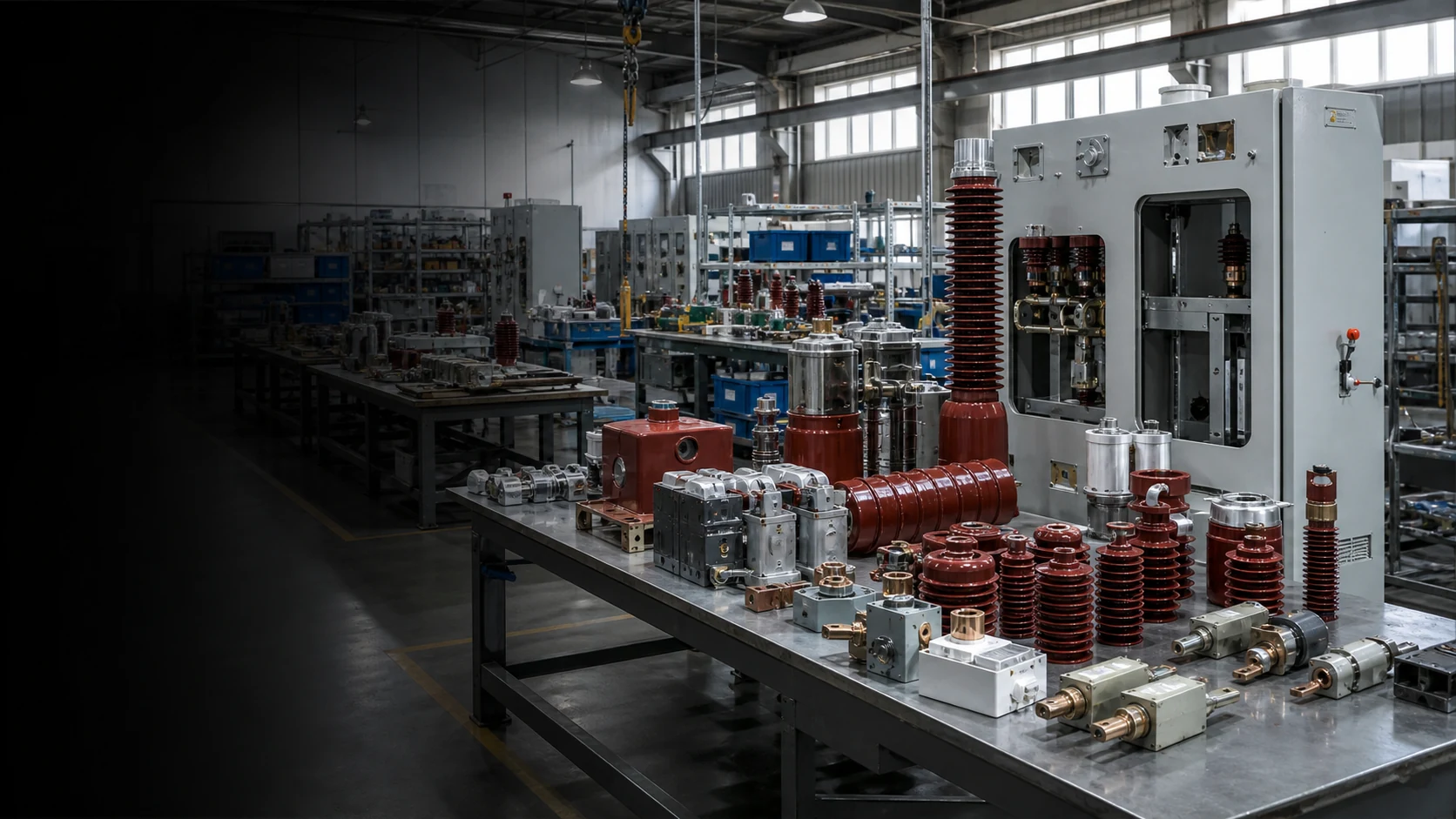
Medium-voltage category hub

Switchgear Components

Select medium-voltage switchgear components by cabinet type, component function, interface, rating, and installation context. Start with the cabinet—RMU, GIS, indoor panel, or VS1 cabinet—then confirm the available part details.

02 / Selection basis

Use three checks to enter the right series.

When the existing model or supplier code is incomplete, start with the part’s role in the cabinet. Then confirm ratings, interfaces, dimensions, and installation details within the selected component family.

01
Function

What does the part do?

Separate insulation interfaces, switching assemblies, circuit interruption, mechanical operation, molded insulation, and gas monitoring.

02
Equipment context

Where does it sit?

Identify the RMU, GIS, indoor panel, or VS1 cabinet and note the mounting side, operating area, and visible connection interface.

03
Available details

What details are available?

Use available part photos, markings, terminals, shaft or mounting details, ratings, and drawings to identify the closest component family.

Still deciding between two series?

Use the comparison matrix to see which equipment context, interface, and RFQ inputs separate each component family.

Compare series
03 / Series comparison

Compare seven switchgear component families.

Use this matrix when two component families appear similar. Compare cabinet context, component function, interface details, and the RFQ inputs needed for review.

One component function. One matching component family.Compare cabinet context, interface, and required inputs
SeriesStart here whenConfirmNext step
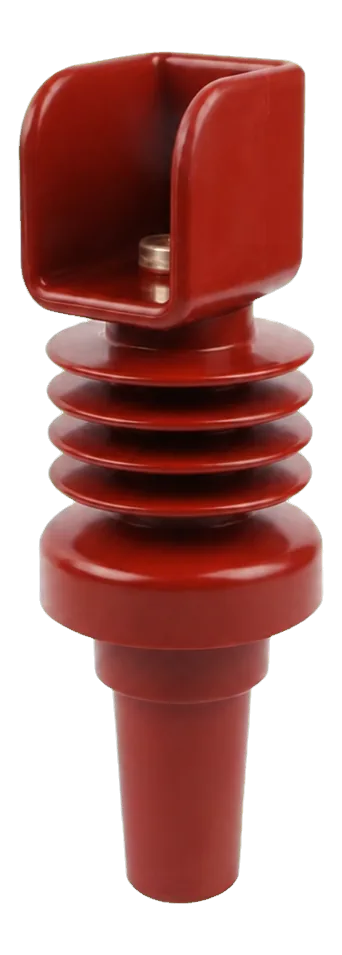
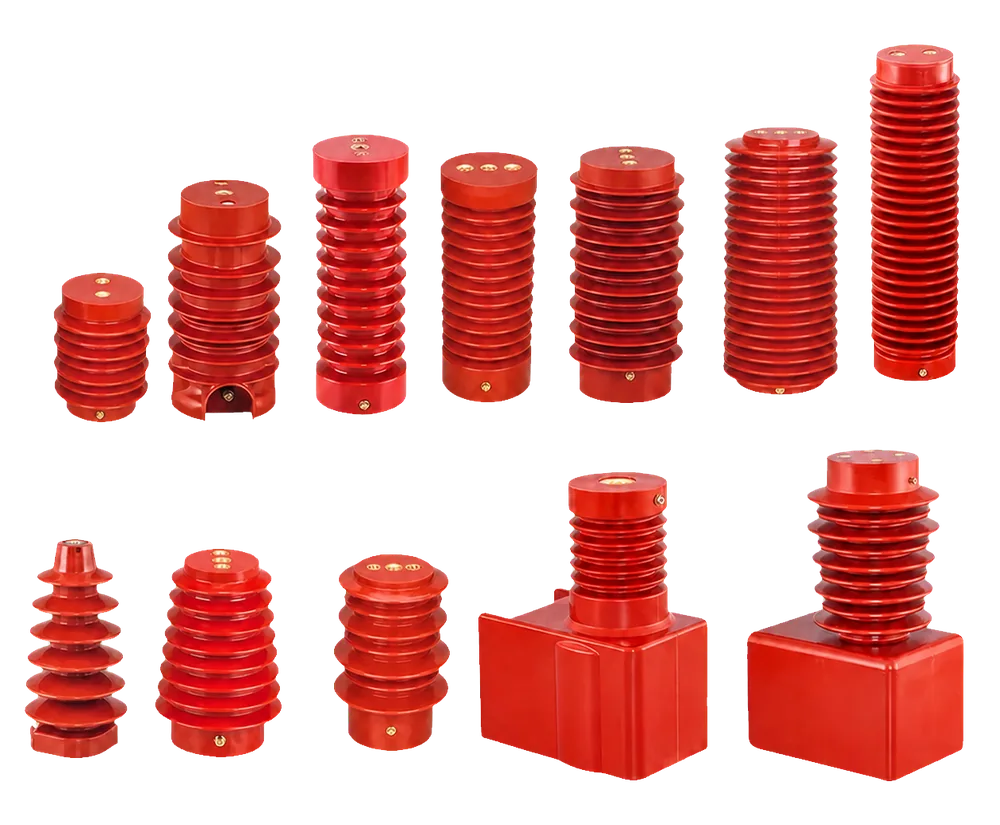
Epoxy Resin BushingThe part is an insulated pass-through or cabinet connection interface.Cabinet position, mounting side, conductor interface, and available dimensions.View matching inputs
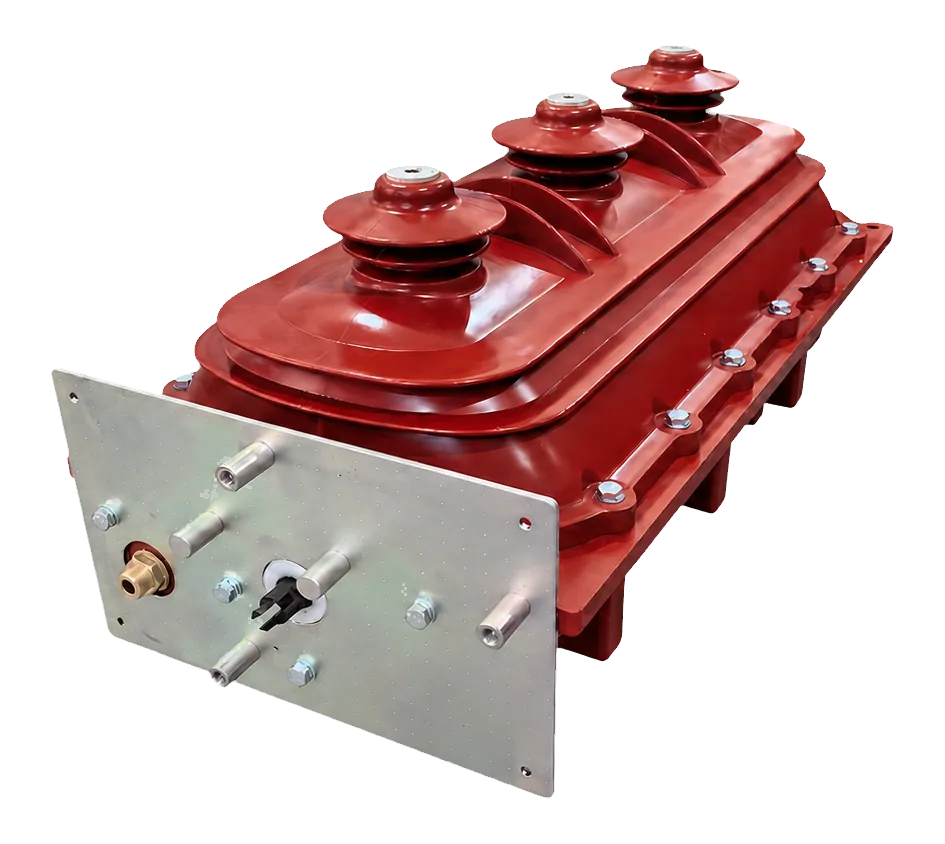
SF6 Load Break SwitchThe request concerns RMU or GIS switching hardware and its operating interface.Equipment type, rated context, pole layout, mechanism side, and visible wiring area.View matching inputs
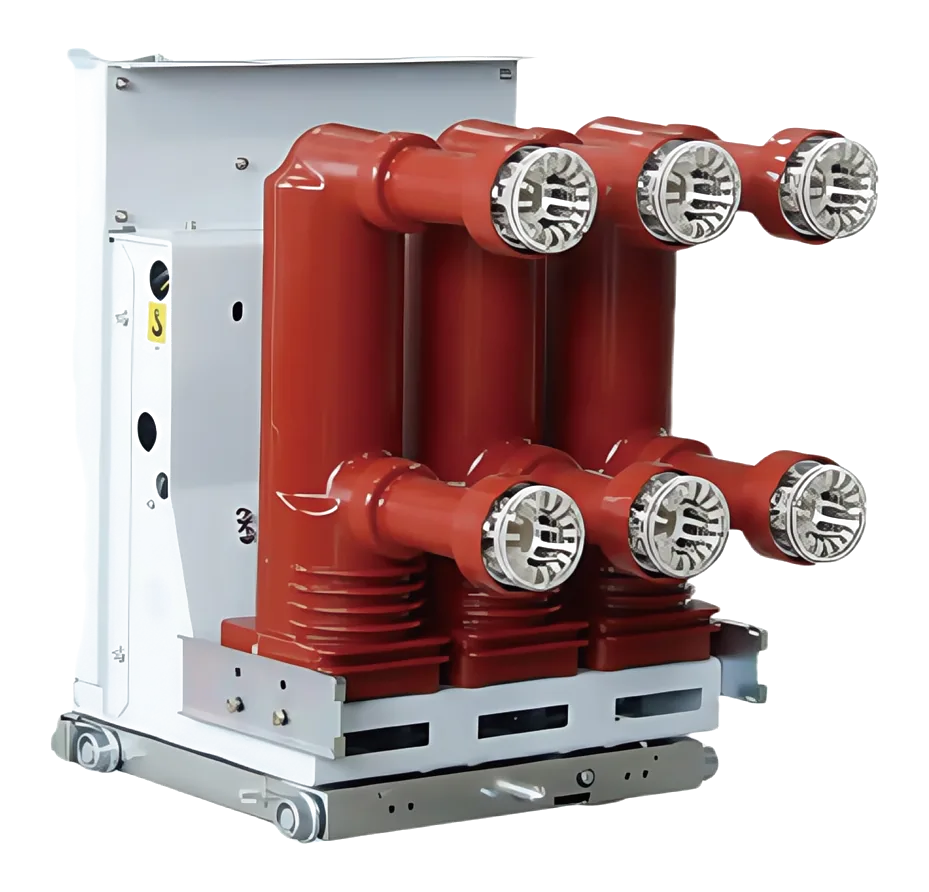
VS1 Vacuum Circuit BreakerThe part belongs to an indoor VCB cabinet or a VS1 breaker assembly.Cabinet type, breaker identity, rated data, interlock context, and contact interface.View matching inputs
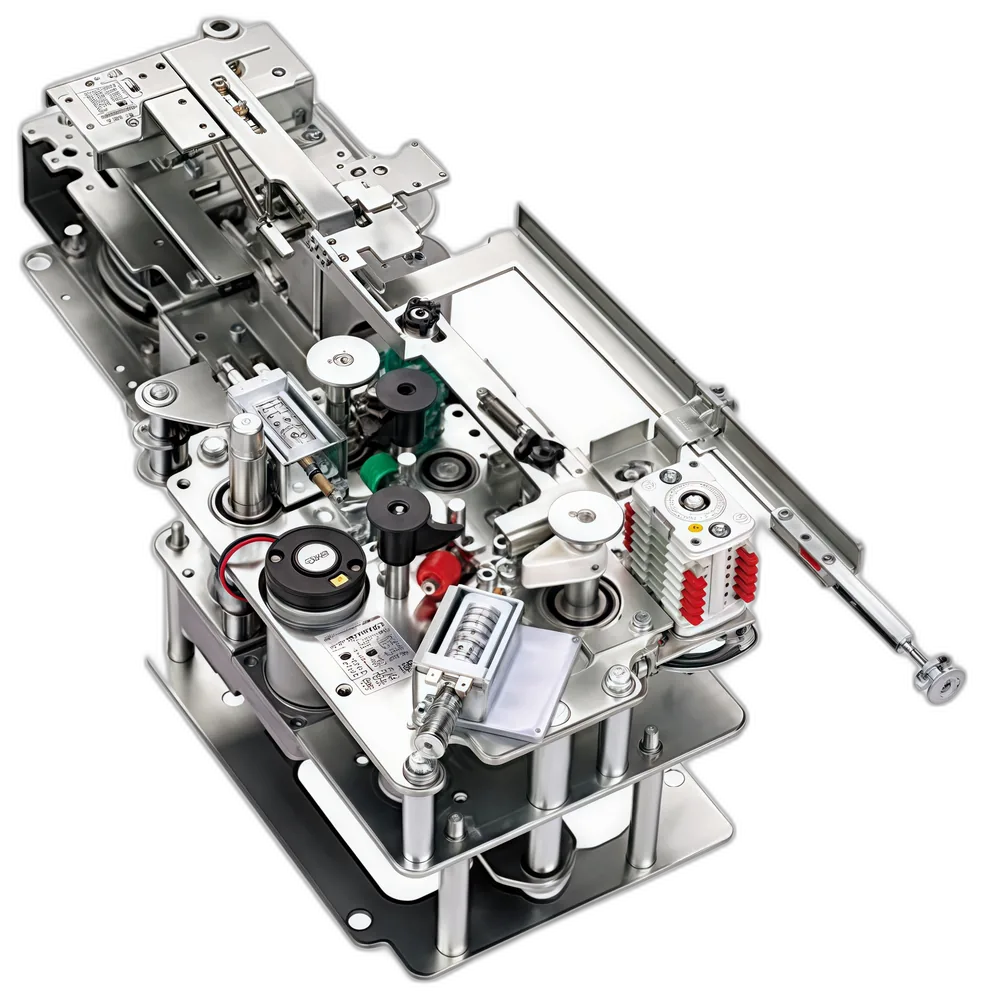
RMU Operating MechanismThe request is for a compact switchgear operating, shaft, spring, or mounting assembly.Operation mode, shaft position, panel layout, mounting points, and mechanism photos.View matching inputs
Epoxy Resin ComponentsThe part is a molded insulation, support, clearance, or busbar-area component.Hole spacing, phase layout, installation position, interface, and drawing when available.View matching inputs
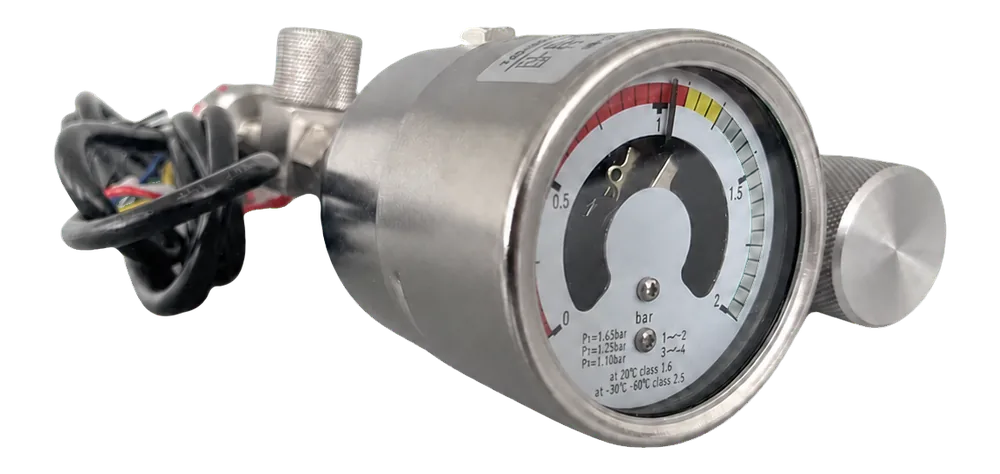
SF6 Gas Density MonitorThe request is for a gas-monitoring accessory on a GIS or RMU gas compartment.Dial face, connector or thread area, existing label, pressure context, and contact requirement.View matching inputs
Other Switchgear ComponentsThe part is an indoor grounding-switch or solid-insulated RMU core assembly outside the six primary paths.Component function, indoor cabinet location, operating duty, interface photos, and project documentation.View matching inputs

Not enough information to choose? Start with the closest function and provide photos of the part, its cabinet position, and any visible marking. The supplied details help confirm the most suitable component family for RFQ review.

Equipment context

Which cabinet does the part serve?

When the component role is unclear, identify the cabinet and installation position first. Then compare the component families associated with that equipment context.

RMU
Compact distribution switchgear

Ring main unit

For RMU cabinet interfaces, SF6 switching assemblies, operating mechanisms, gas-monitoring accessories, and project-specific internal components.

PANEL
Indoor switchgear assembly

Panel & busbar area

For molded insulation, connection support, grounding-switch paths, and cabinet accessories where the installation position is more useful than a legacy part code.

For maintenance or replacement stock, use the cabinet type and the existing component’s mounting and interface details to select the closest component family first.

See RFQ inputs
Factory / engineering / delivery

Bring the selected component family into project review.

After a likely component family is identified, keep the cabinet interface, available part details, required quantity, and delivery destination in one review. This creates a clearer RFQ without treating every component as interchangeable.

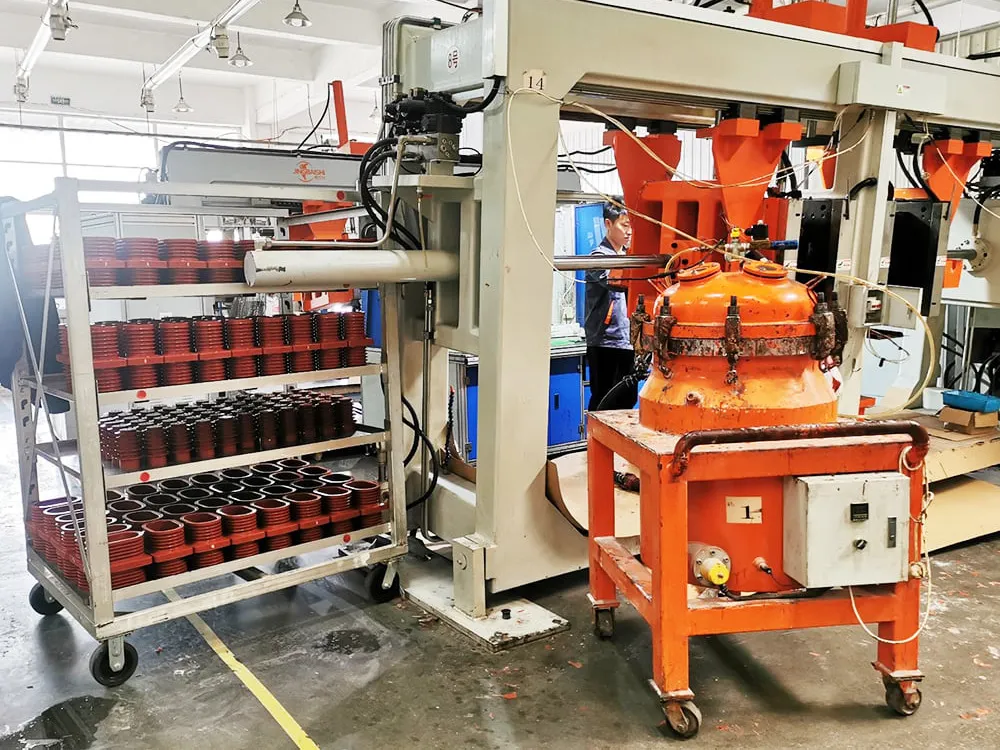
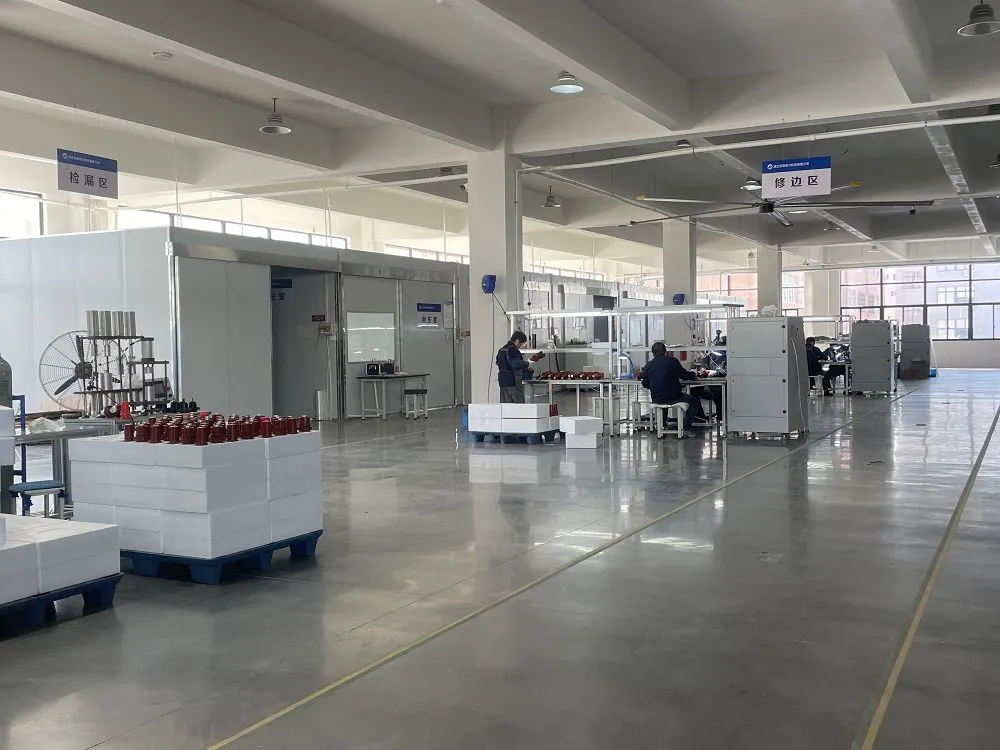
Manufacturing environment for medium-voltage electrical component project review
Factory contextThe selected component family gives the manufacturing discussion a specific, relevant starting point.
Workshop context for switchgear component interface review
Engineering reviewShare photos, markings, mounting details, and any drawings that can help confirm the interface.
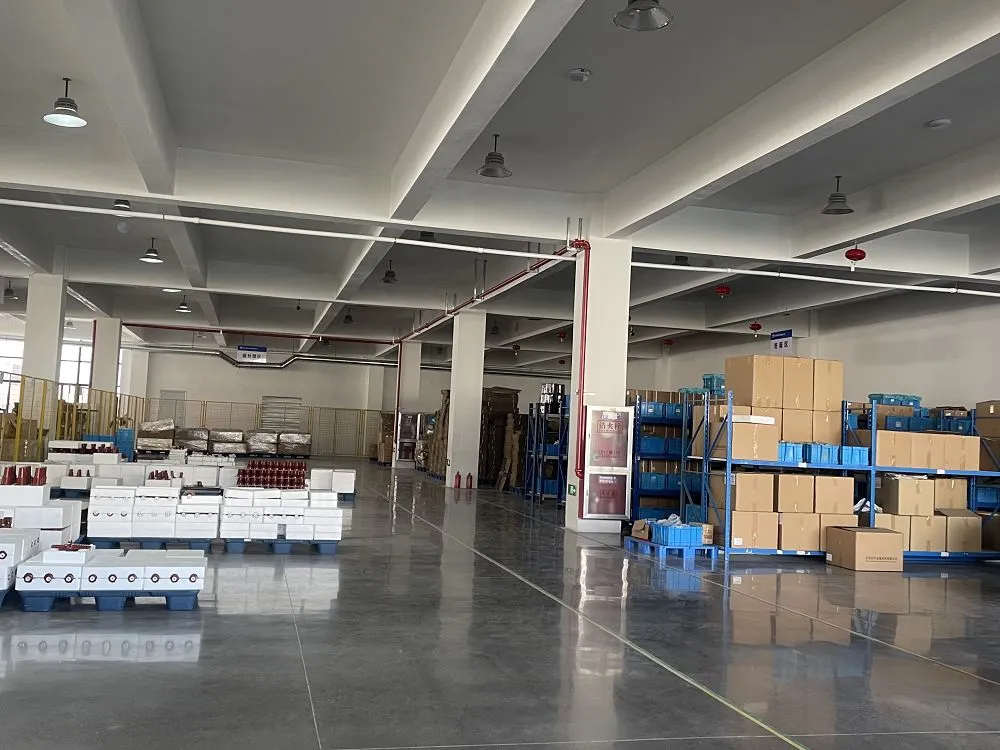
Workshop context for switchgear project packing and delivery coordination
Delivery planningConfirm quantity, destination, packaging requirements, and requested timing after the component family is selected.

Project support is confirmed around the selected series. Process details, documents, and delivery options remain subject to RFQ review.

Prepare RFQ inputs
RFQ preparation

Prepare component details for RFQ review.

Start with the component and cabinet information already available. The four inputs below help focus the request before a quotation is confirmed.

Medium-voltage electrical component assembly inspection for switchgear RFQ review
Review the part in its actual equipment context.Photos and visible interfaces provide the starting point for a more focused technical review.
01

Existing-part images

Send front, side, label, terminal, and mounting-area views. A single front photo is rarely enough for replacement matching.

02

Cabinet and rated context

Include the switchgear type, visible nameplate information, voltage and current context, and insulation medium when known.

03

Interface details

Share drawings where available, or record hole spacing, connection interface, shaft position, thread details, and relevant molded-part geometry.

04

Commercial scope

Clarify quantity, delivery destination, maintenance-stock or project use, requested timing, and whether the request is replacement or made-to-drawing sourcing.

Manufacturing, document, and delivery details are confirmed against the selected series during RFQ review.

Continue to inquiry
Buyer questions

Questions before you send an RFQ.

Use these answers to prepare a clearer RFQ. Final compatibility is confirmed from the selected component family, cabinet interface, and supplied component details.

How do I narrow down the correct switchgear component series?

Start with the component role, then identify the cabinet it serves. The installation position, insulation or switching function, and visible interfaces normally provide a more useful selection basis than a legacy part description alone.

Can a replacement part be reviewed from photos?

Photos are useful when they show the front, side, nameplate, terminals, and mounting area. Add dimensions, cabinet location, and any available reference drawing to reduce uncertainty.

What should I provide for RMU, GIS, or SF6-related components?

Include the equipment type, gas-insulated cabinet context, visible rated information, interface photos, and any existing mechanism or monitoring reference.

Can one component be used across different cabinet brands?

Brand name is one routing clue, not a compatibility confirmation. Rating, mounting, clearances, connection interface, and cabinet design must be reviewed together.

When are drawings or measurements needed?

They are especially useful for epoxy insulation parts, bushings, mechanisms, and parts with a cabinet-specific mounting interface. Hole spacing, shaft position, threads, and connection geometry can materially affect the review.

If the available information is incomplete, send what you have with the cabinet context. The technical review can identify which details still need confirmation.

Ready for review

Send the component request with its working context.

Use the selected series as the starting point, then provide the cabinet, interface, and sourcing details that can help focus the review.

Cabinet contextPart imagesInterface detailsQuantity and destination

Final compatibility, documents, and delivery options are confirmed during RFQ review.

Request a switchgear RFQ