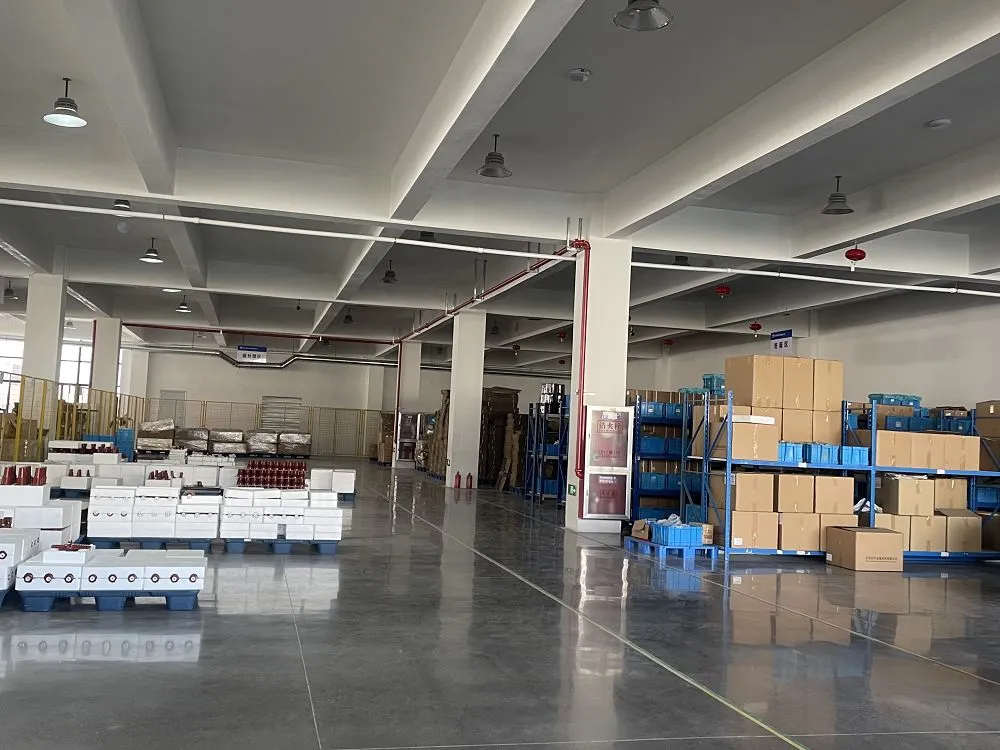
SUVELL medium-voltage component workshop and assembly area
MVSpare technical resource hub

Technical Resources

Use MVSpare technical selection articles, SUVELL company catalogs, and model-specific document support to identify the component family, compare interfaces, and prepare a complete RFQ.

RFQ preparation

Prepare a Component Request

Start with the component identity, equipment duty and installation interface so the correct product family and document path can be selected.

Component identityPhotos, markings and model detailsShow the product, nameplate, terminals, connection points and mounting arrangement.
Equipment dutyRatings, application and interfaceInclude equipment type, voltage/current duty, insulation medium and installation position.
Next stepSend a technical requestAsk for the relevant catalog, drawing, datasheet or component review.
Technical selection library

Technical Articles & Selection Guides

Use the technical library for component identification, rating and interface checks, replacement preparation and the information needed before an RFQ.

Open technical article libraryFind selection guidance by component and engineering taskComponent identification · rating and interface checks · replacement preparation · RFQ checklistsBrowse technical articles →
SUVELL product catalogs

Download SUVELL Product Catalogs

Use the company and transformer component catalogs for product-family screening, then move to the exact product page or request a model-specific file.

SUVELL catalogPDF

SUVELL Product Introduction Catalog

SUVELL company capabilities, product scope and switchgear and transformer component families.

SUVELL catalogPDF

SUVELL Transformer Components Catalog

Transformer bushing, fuse, tap changer, gauge, loadbreak switch and accessory product families.

Model-specific product files

Request Model-Specific Product Documentation

Request the drawing, datasheet, certificate or test document for the exact component configuration. Include the equipment and interface details needed to identify the file.

01Share the product family, model, order code or visible nameplate information.
02Add equipment type, voltage/current duty, installation position and interface dimensions.
03Attach product photos or drawings when the replacement part is not yet identified.